Quick start
From a niche idea to a usable shortlist in a few steps.
Create or sign in. Use Google, or an email magic link. No password required.
Unlock more searches. A free account raises your limits beyond anonymous use.
Save as you research. Bookmark keywords and they appear under Saved in your account.
Find your reports. Past reports live under Saved reports for re-download.
Track your usage. See your plan and search limit at a glance.
Manage your plan. Upgrade to Pro for more live data access.
Screenshot walkthrough
The full screen once, then a closer look at the parts that matter.
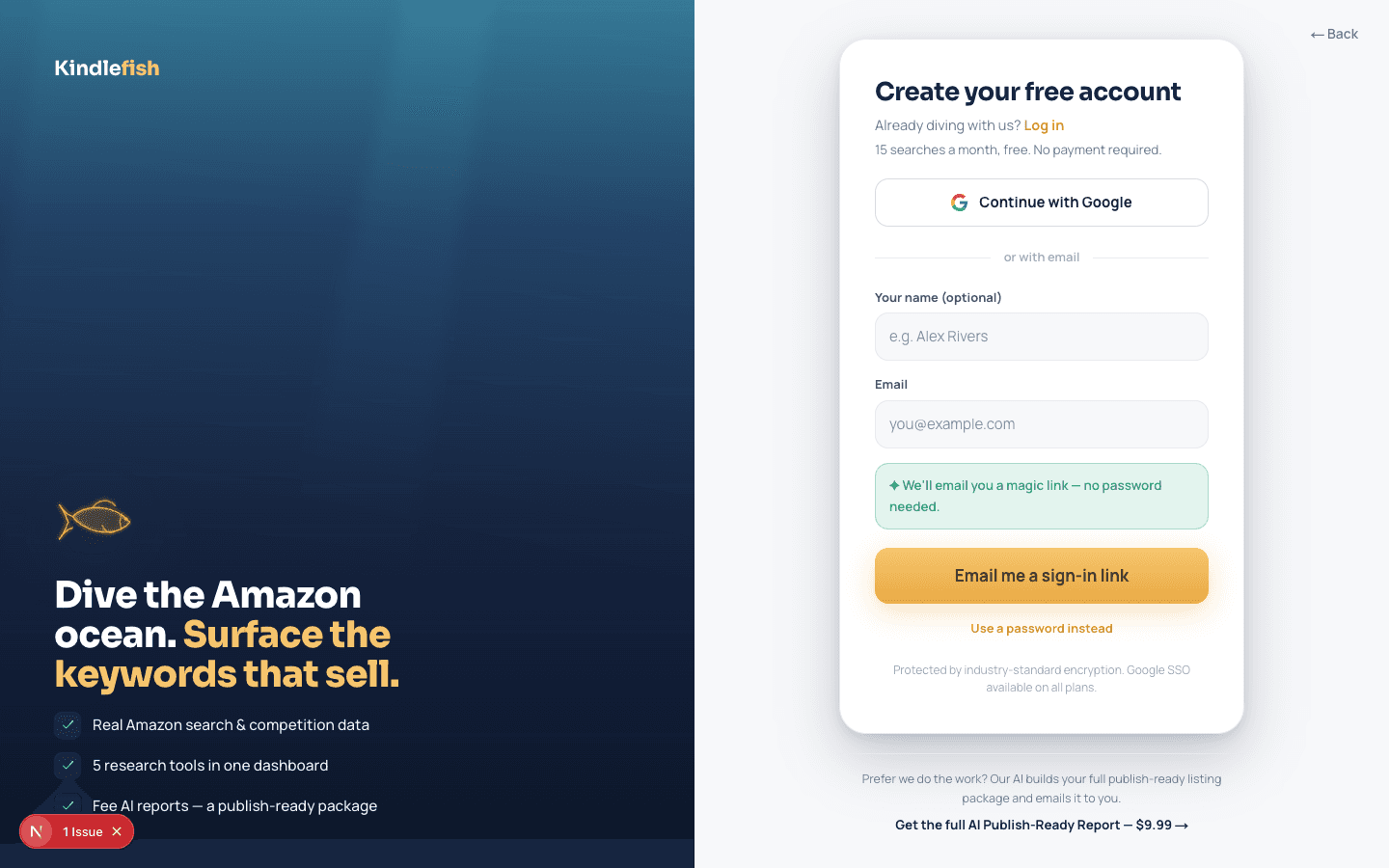
- Higher search limitsSaved keywords and reportsYour plan in one place
How to read the results
What each number means, and what good looks like.
Search limit
Free searches are limited per account and device. Signing in and Pro raise the cap.
Saved keywords
Bookmarks you collect across the research tools, kept in your account.
Saved reports
Your past reports, re-downloadable as PDF whenever you need them.
Best practices
Small habits that make the data pay off.
Sign in before deep research. It lifts your search limit and keeps your saved keywords in one place.
Use the magic link on shared devices. No stored password, just a one-time secure link to your inbox.
Keep reports in your account. Saved reports are kept server-side, so you never lose a package.
Go Pro when you research often. Pro raises limits for authors doing deeper launch work.