Quick start
From a niche idea to a usable shortlist in a few steps.
Pick your marketplace. Choose the Amazon store, such as US or UK, so demand and pricing match where you publish.
Enter a niche. Type a topic like gratitude journal, or tap a suggested niche to start.
Hit Search. Each search opens its own tab, so you can compare several niches side by side.
Scan the scorecard. The four cards summarise volume, best opportunity, and low-competition counts at a glance.
Read the table. Sort by demand, competition, or earnings to find keywords worth targeting.
Export or refine. Export to CSV, or filter to low-competition only to surface easier openings.
Screenshot walkthrough
The full screen once, then a closer look at the parts that matter.
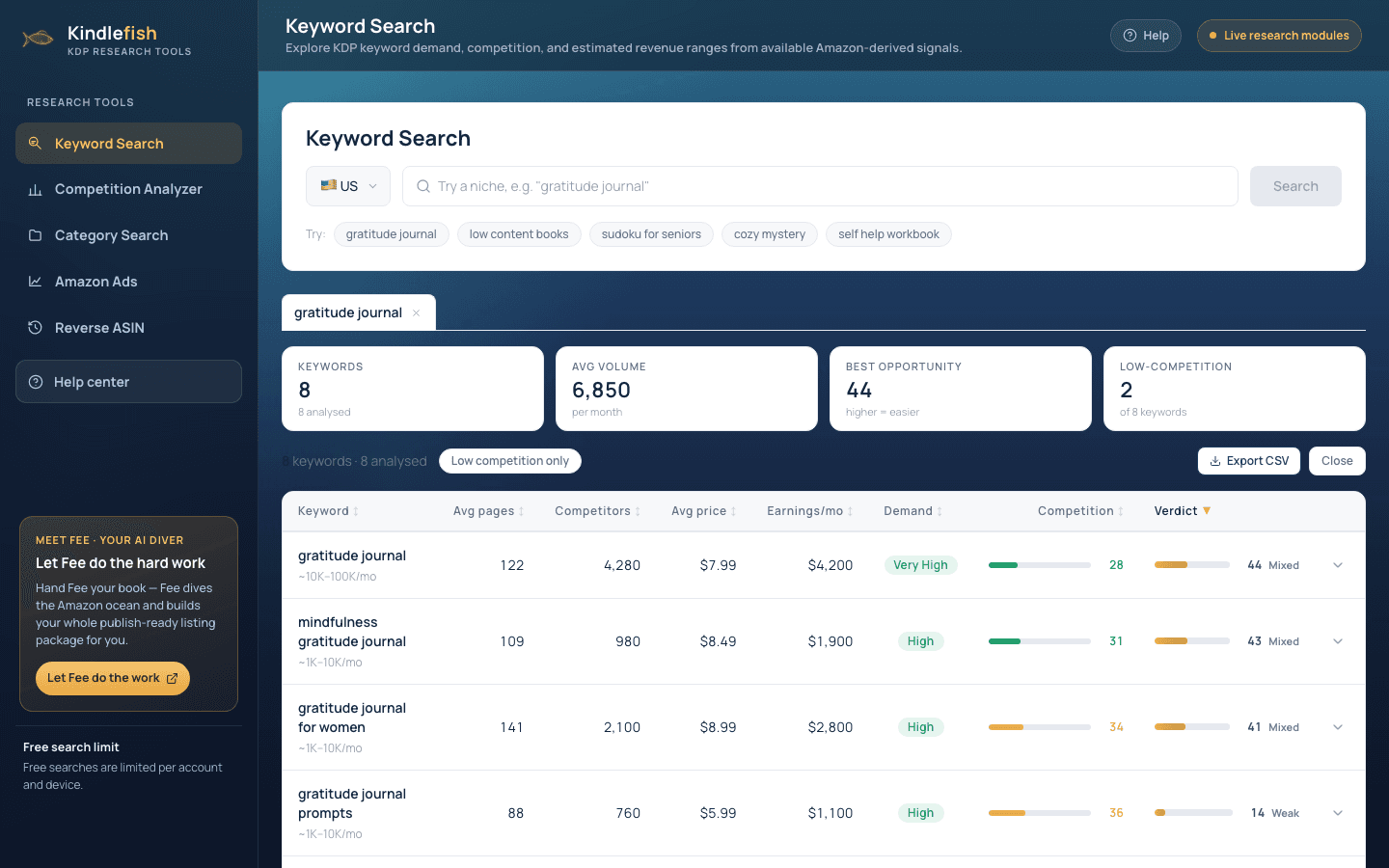
- USgratitude journal
- Avg volume6,850per monthBest opportunity44higher = easierLow-competition2of 8 keywords
- gratitude journalVery High28
- VerdictStrongMixedWeak
How to read the results
What each number means, and what good looks like.
Avg volume
Monthly search demand signal for the keyword. Higher means more reader interest.
Competition
How hard the term is to rank for, scored out of 99. Lower is easier.
Demand
A plain-language read from Very High to Low of search interest relative to the niche.
Earnings / mo
Confidence-labelled monthly revenue range for books ranking for the term.
Best opportunity
The strongest demand-vs-difficulty score in your set. A good place to start.
Verdict
Fee's shorthand: Strong, Mixed, or Weak, blending demand and competition.
Best practices
Small habits that make the data pay off.
Chase low-competition, real-demand terms. The sweet spot is solid volume with a low competition score. Filter to low-competition only.
Compare niches in tabs. Run three or four related niches and compare their scorecards before committing.
Mind the long tail. Specific multi-word phrases convert better and are far easier to rank for than broad heads.
Use the Confidence labels. Numbers are directional signals from Amazon-derived data, not sales promises.