Quick start
From a niche idea to a usable shortlist in a few steps.
Find an ASIN. Copy a competitor's ASIN from its Amazon URL or product details.
Paste and look up. Drop it in, pick the marketplace, and hit Look up.
Read the scorecard. Keywords found, best rank, and average relevance to that title.
Scan grouped keywords. Terms are grouped by intent, such as Core intent and Audience.
Judge relevance. Each term shows its rank, match type, and a relevance score.
Copy keywords. Copy the set to seed your own metadata or ad campaigns.
Screenshot walkthrough
The full screen once, then a closer look at the parts that matter.
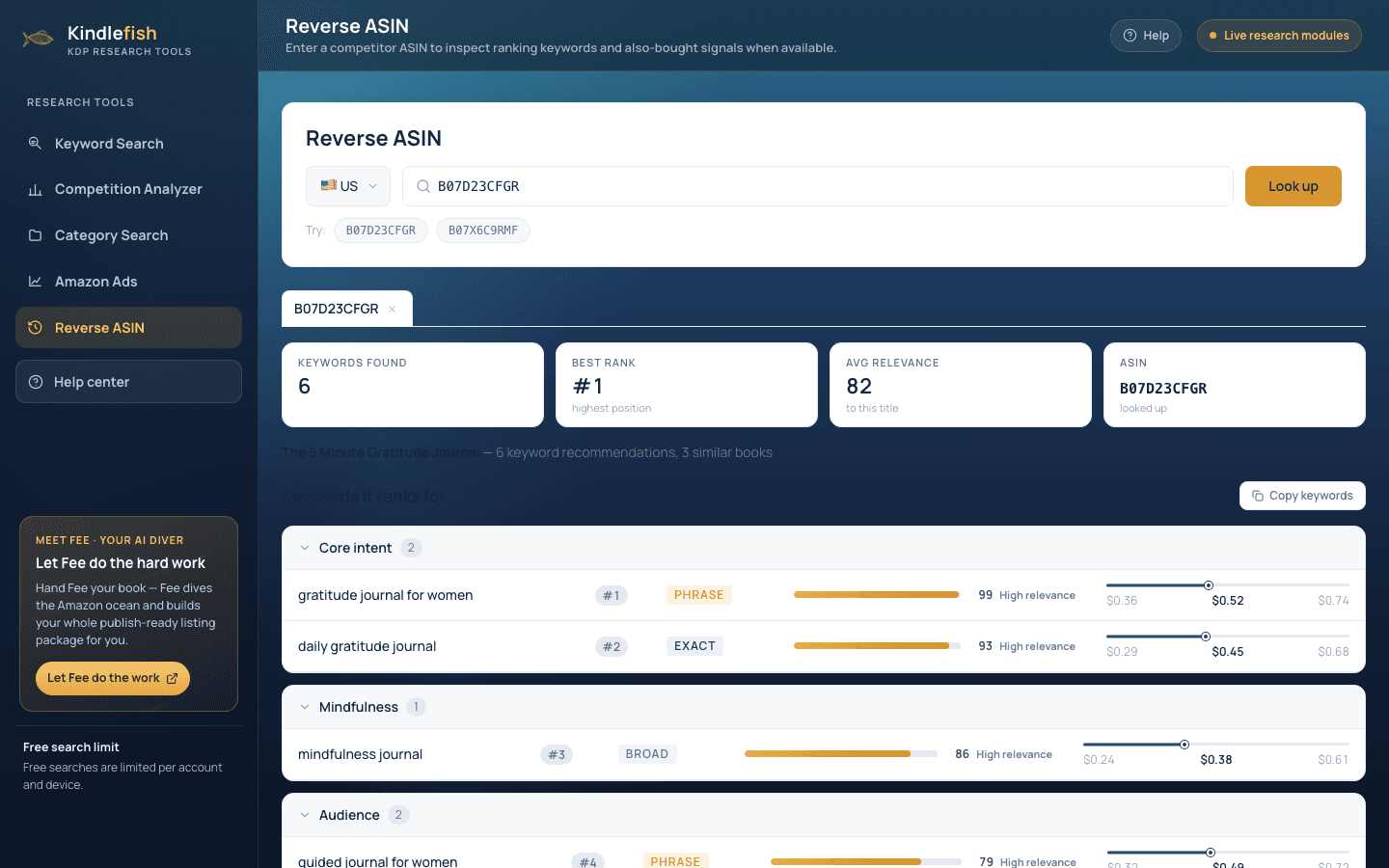
- USB07D23CFGR
- Keywords found6
- Best rank#1highest position
- Core intent2
- #1gratitude journal for womenPhrase99
How to read the results
What each number means, and what good looks like.
Rank
Where the book sits for that keyword. Top-ten terms matter most.
Relevance
How closely the keyword maps to the title. High relevance is worth reviewing first.
Match type
Exact, Phrase, or Broad context for using the term in ads.
Avg relevance
The overall fit across all surfaced keywords for the ASIN.
Best practices
Small habits that make the data pay off.
Reverse your closest rival. Pick the book most like yours. Its high-relevance terms are your fastest metadata wins.
Prioritise high rank and high relevance. Terms where the book ranks top-ten and scores high relevance are the ones to review first.
Feed terms into Ads. Send the strongest keywords into the Amazon Ads module as targets.
Cross-check demand. Validate borrowed keywords in Keyword Search before betting your listing on them.